
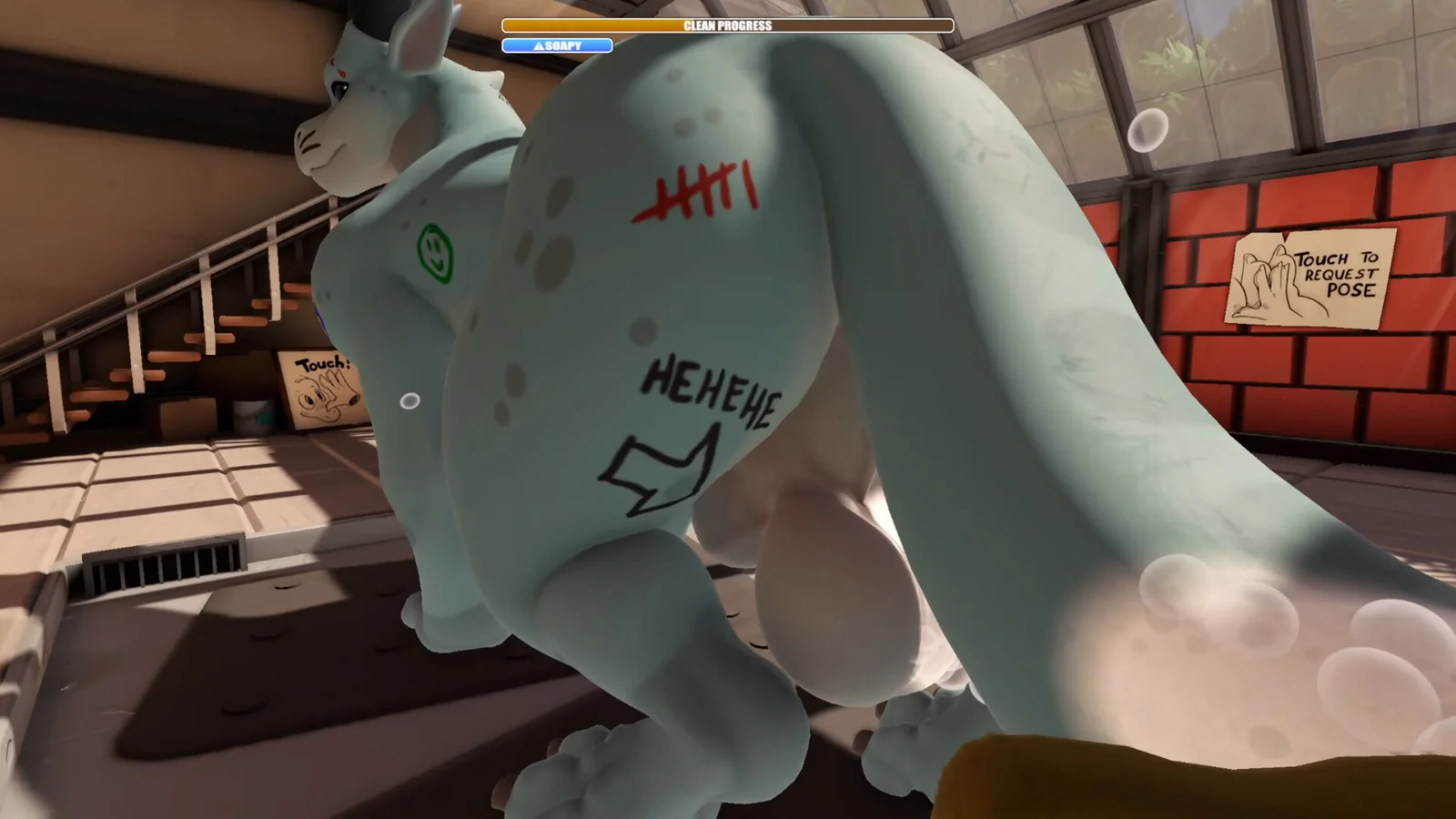
Drag'n Wash Controls & Settings: Controllers, Invert-Y and Motion Sickness
Full controller support on Steam, plus the three options the launch hotfix added: sprayer motion-sickness reduction, invert-Y, and an unstick button.
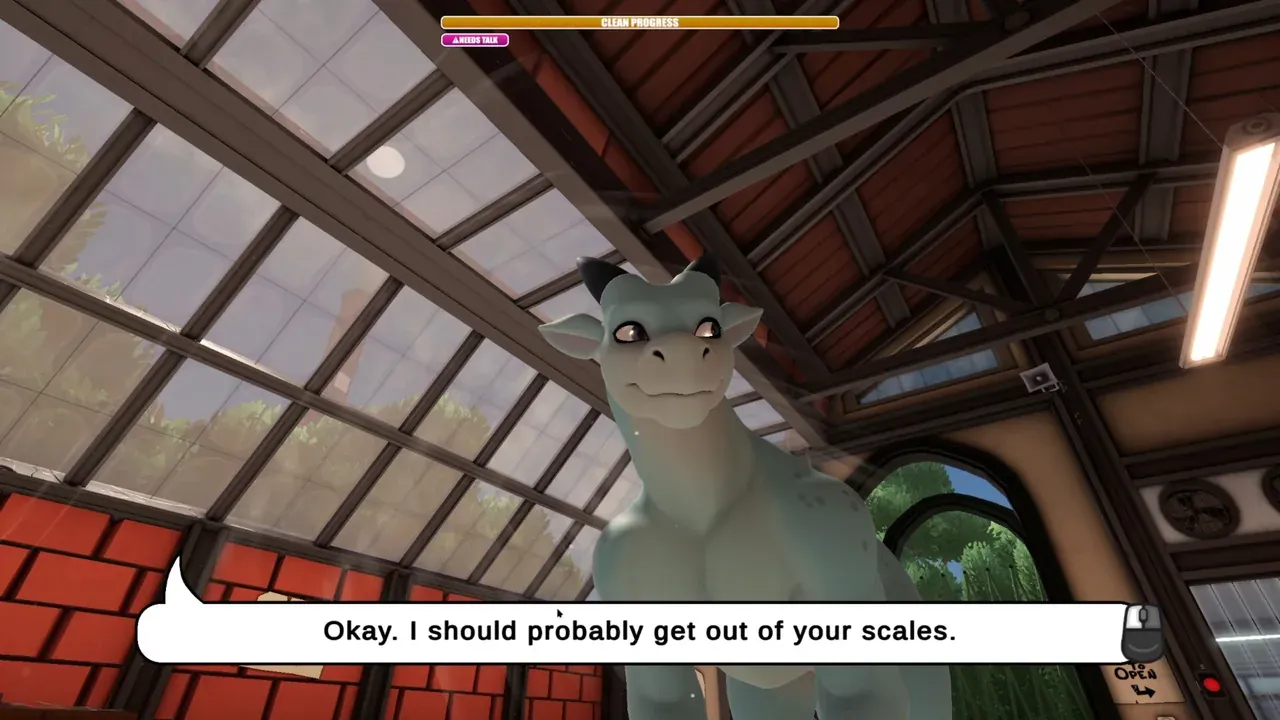
Yes, controllers are supported — and not just nominally. Steam lists full controller support plus DualShock 4 and DualSense support, alongside Steam Cloud and Family Sharing. The settings that matter most for feel arrived in the launch hotfix: the options menu now has a motion-sickness reduction toggle for the sprayer and an invert-Y mouse option, and the game menu gained an “Unstick Kobold” button for when a character gets wedged in the geometry.
Input and platform features
| Item | Status |
|---|---|
| Keyboard and mouse | Supported, the default input |
| Controller | Full controller support (Steam store listing) |
| DualShock 4 / DualSense | Listed as supported |
| Steam Cloud | Supported |
| Family Sharing | Supported |
| Multiplayer | None — single-player only |
| itch.io build: controller and cloud saves | Not listed on the itch.io page |
That last row matters. itch.io delivers Windows, macOS and Linux installers directly, and your purchase includes a Steam key, but the page does not itemise cloud saves or controller support. This page therefore will not claim the itch.io build lacks them — only that you should verify it yourself there.
What the three new toggles fix
Motion-sickness reduction. Continuous first-person spraying with a moving camera genuinely bothers some players. The announcement states plainly that the option lives in the options menu.
Invert-Y for the mouse. You spend the whole game moving the camera up and down to reach backs, wings and heads, so a Y axis that fights your instinct slows everything down. The developer only added the mouse inversion and asked whether the sponge controls should invert too, so expect that part to keep evolving.
Unstick Kobold. A rescue button in the game menu for characters stuck in the environment. The same patch also fixed glitchy graphics on the native Linux build with Nvidia GPUs, so if you see visual corruption on Linux or Steam Deck, check the patch is installed before blaming your hardware.
What to change first when something feels wrong
Queasy while spraying — turn on the motion-sickness toggle, then break long sprays into shorter bursts.
Camera moves the wrong way vertically — enable invert-Y. Note that only the mouse side is implemented so far.
Dragon or player wedged in the scene — use “Unstick Kobold”. If it happens during the ending credits, players report not to press it there; restarting is safer.
Controller unresponsive — on Steam, check Steam’s controller settings and Steam Input first. On itch.io, confirm drivers and system permissions, then check whether the game detects the device at all.
Visual corruption on Linux or Deck — confirm the build includes the launch hotfix; that entry specifically covers Nvidia graphics on Linux.
Honest gap: there is no official keybind list
Neither a full keybind table nor a complete options list has been published. This page therefore does not invent key mappings — any “press X to swap tools” claim you find elsewhere has no primary source behind it. In-game prompts are the reliable reference.
Sources and check date
Input and platform features come from the official Steam store page and Steam’s own API data. The three new options and the Linux graphics fix come from the official Kobold Hotfix announcement. The credits-stage risk of the unstick button comes from itch.io comments and is community information. Installer sizes and the included Steam key come from the itch.io store page. All checked 15 September 2026.
Related Articles
guide
Drag'n Wash Beginner Guide: What to Do on Your First Shift
Wet the dragon, soap it up, scrub, rinse, then check the bar. The exact order for your first wash, plus the four mistakes that waste the most time.
guide
Who Are the Three Dragons in Drag'n Wash? Names, Looks and Sources
Officially there are three male dragons and one confirmed name, Conrad. Ryan and Alexander come from players. Here is how to tell them apart, and why pace differs.
guide
Drag'n Wash Endings: Three Routes, Why One Run Is Never Enough
Three endings, roughly 90 minutes each. What is officially confirmed, what players confirmed, and the save habit that stops you replaying a route.